

Looking to rank on Google Maps and actually get found by local customers? With Google’s new AI mode shaking things up, being invisible isn’t just frustrating; it’s costly. If your competitors are showing up in the top three, they’re winning business before you even know those customers existed.
Check out the video below for a walkthrough, or keep reading for three steps you can use to rank higher on Google Maps this week.
Why Ranking in the Top 3 on Google Maps Matters Now
It’s not enough to show up somewhere in the top 10 anymore. Most people searching on Google Maps are ready to buy locally, and they almost always pick from the first three results the “map pack.” With Google’s AI mode, things are evolving, but that top spot is still prime real estate for free advertising.
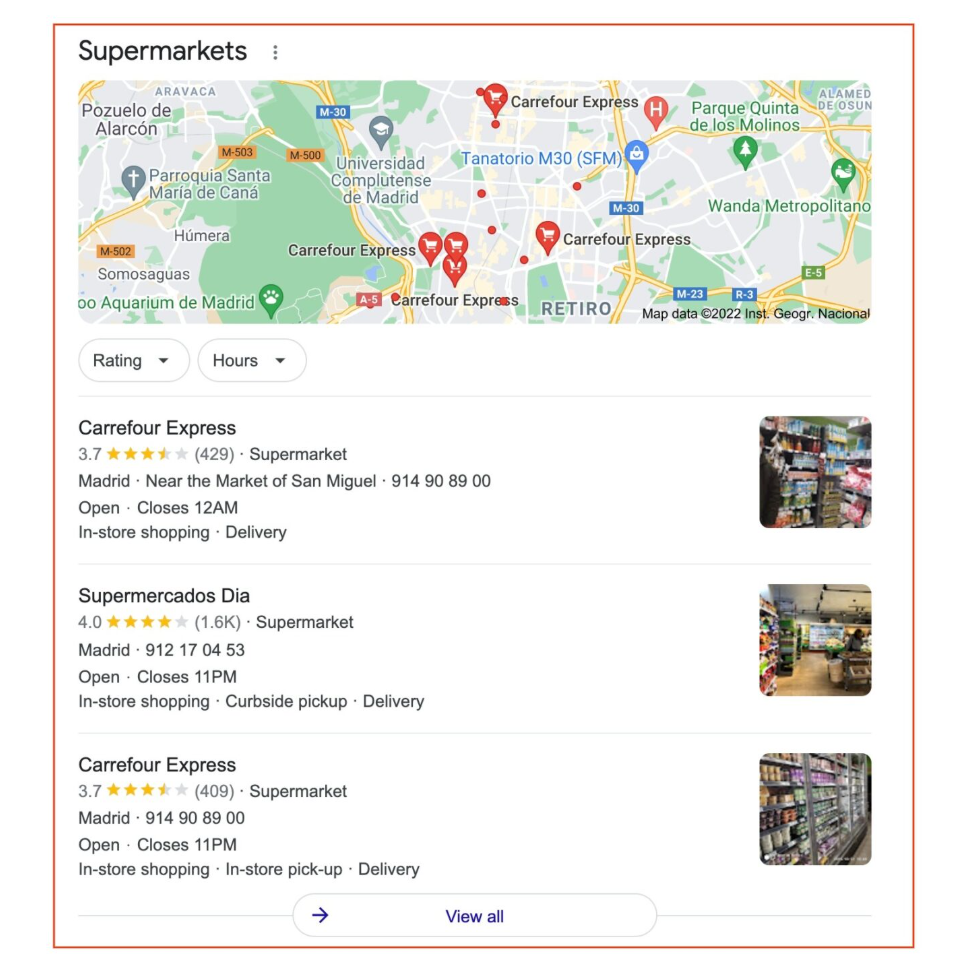
So, how do you climb those ranks? Here are three practical steps you can take right now to improve your position and rank on Google Maps.
Step 1: Update Your Primary Business Category
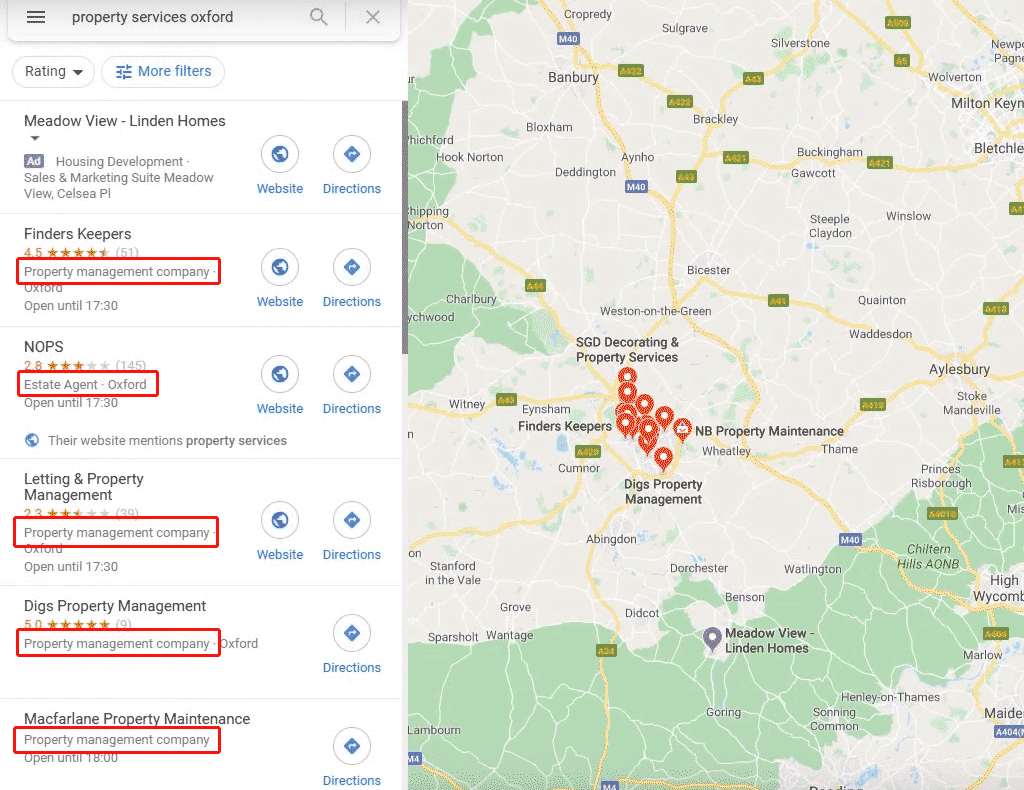
When was the last time you checked your Google Business Profile’s primary category? Google quietly adds new categories all the time, and choosing the right one is a major ranking factor. If your competitors have updated theirs and you haven’t, you could be missing out on easy wins. Take a minute to log in, review your primary (and secondary) categories, and make sure you’re listed where you belong.
Step 2: Boost Engagement on Your Google Business Profile
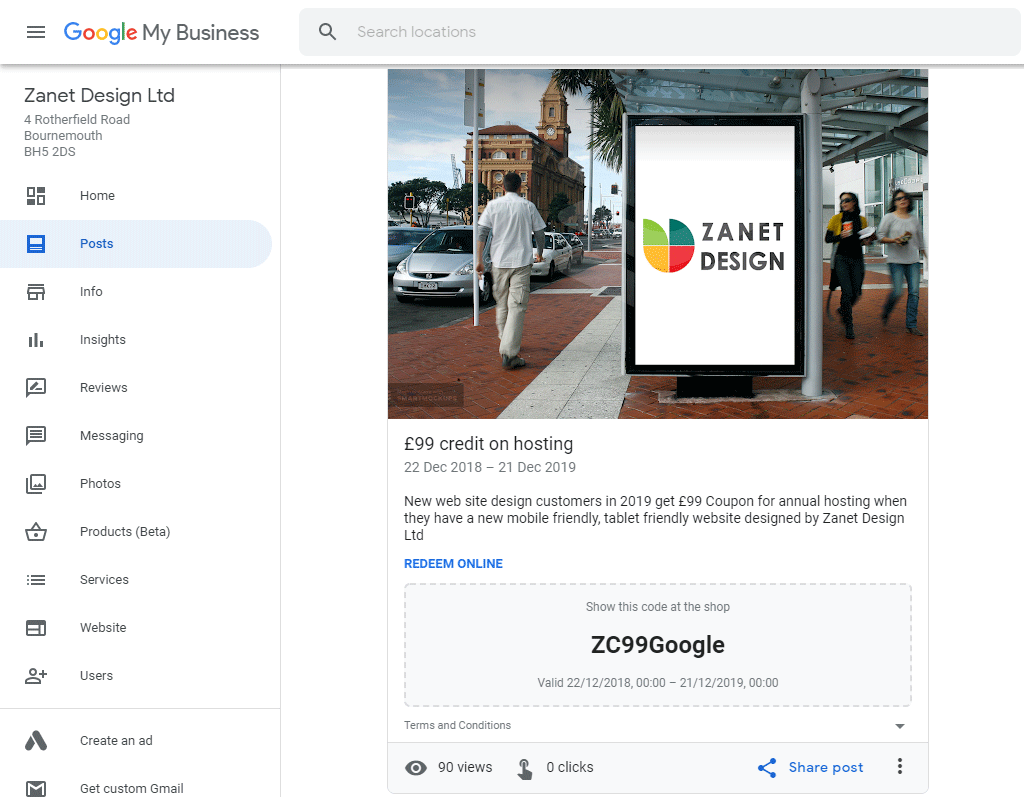
Google rewards businesses that stay active. Posting updates, offers, or events, even if it’s just once a week, signals to Google that your business is alive and well. If you haven’t posted anything in a while, now’s the time. Even a simple update can help you rank on Google Maps by showing you’re engaged with your customers.
Step 3: Add Real Photos to Stand Out
Stock photos and AI-generated images won’t cut it. Google’s smarter than that. Upload real, recent photos of your business, your team, or your services. Authentic images help Google trust your profile, and they give potential customers a real sense of what you offer.
Real Results: How These Steps Help Businesses Rank on Google Maps
Businesses that follow these steps often see quick results—sometimes jumping into the top three in just a few weeks. Even small tweaks, like updating your primary category or adding a new post, can lead to more traffic and new inquiries almost overnight.
What’s Next for Ranking on Google Maps?
Google’s AI mode is changing the game, but the basics still matter. Keep your profile updated, stay engaged, and use real photos. Want to go deeper? Watch the video above for more on the five pillars of trust that Google’s new AI is built on.
Need help Ranking on Google Maps?