


You can easily reopen a location that has been marked as permanently or temporarily closed.
Google My Business was probably closed by someone other than yourself. Recently a wave of temporary closure hit businesses in one country after another. The solution is so simple though. It’s a case of following today’s tutorial.
Do nothing and Google may well reopen it for you at a future point. If you are already open or planning to reopen very soon then its good to know the simple step though. You then have full control. Additionally, I’m going to show you how you can add some extra promotions to kickstart your business as it opens again.
“Remove temporarily closed and open in Your Google My Business location in one click”
Zanet Design
This article and video will help you discover answers to :
- FAQs on opening and closing Google My Business
- How to reopen in Google My Business: Video
- Now you’re open, what else can you do in Google My Business
FAQs on opening and closing Google My Business
If you didn’t do it yourself, it was probably automated under the governments direction and by a Google volunteer
Just click on info and on the right you will see “Reopen your profile” click this and it will then await approval.
It means most of your details are not available to searching clients. So its important to get reopened straight away as soon as you can.
Yes this article shows you exactly what to do and how to open after the COVID-19 shut down
How To Reopen in Google My Business: Video
Now you’re open, what else can you do in Google My Business
Google Offers some great tips on how you can keep your business update including:
- Stay current online
- Keep in sync with customers
- Stay connected with employees
- Always stay relevant with your advertising
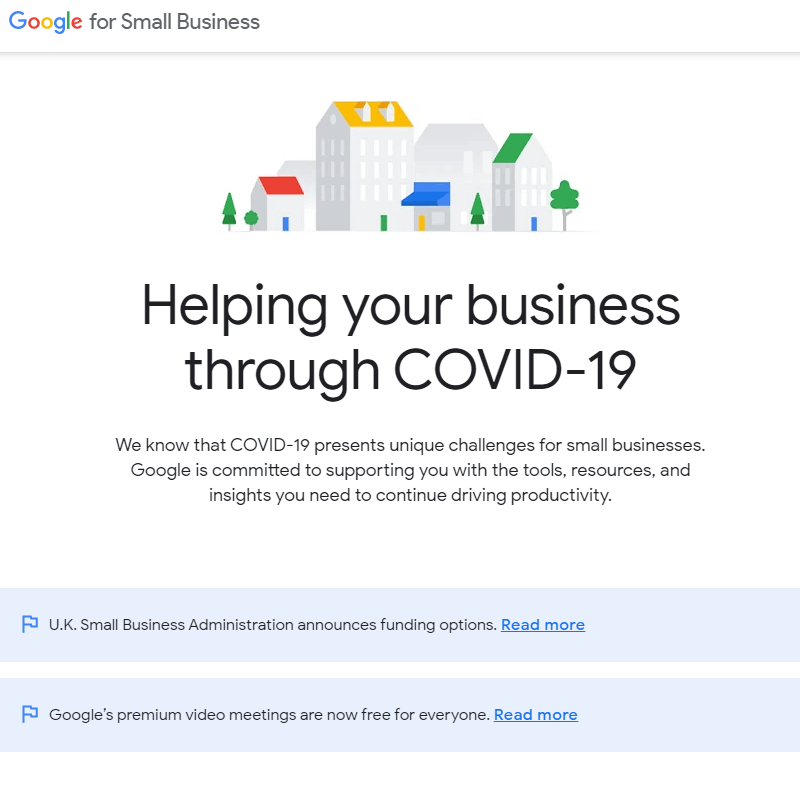
You can visit the details from Google on https://smallbusiness.withgoogle.com/intl/en_uk/news/resources-for-smbs-impacted-by-coronavirus/#!/
Additionally, you can add a new feature called “Update online appointments”. Sometimes its called “Update online bookings”. Here you can be more clear on the place you want bookings to be taken. Either a landing page or a contact form, but specific to your website or personnel URL.
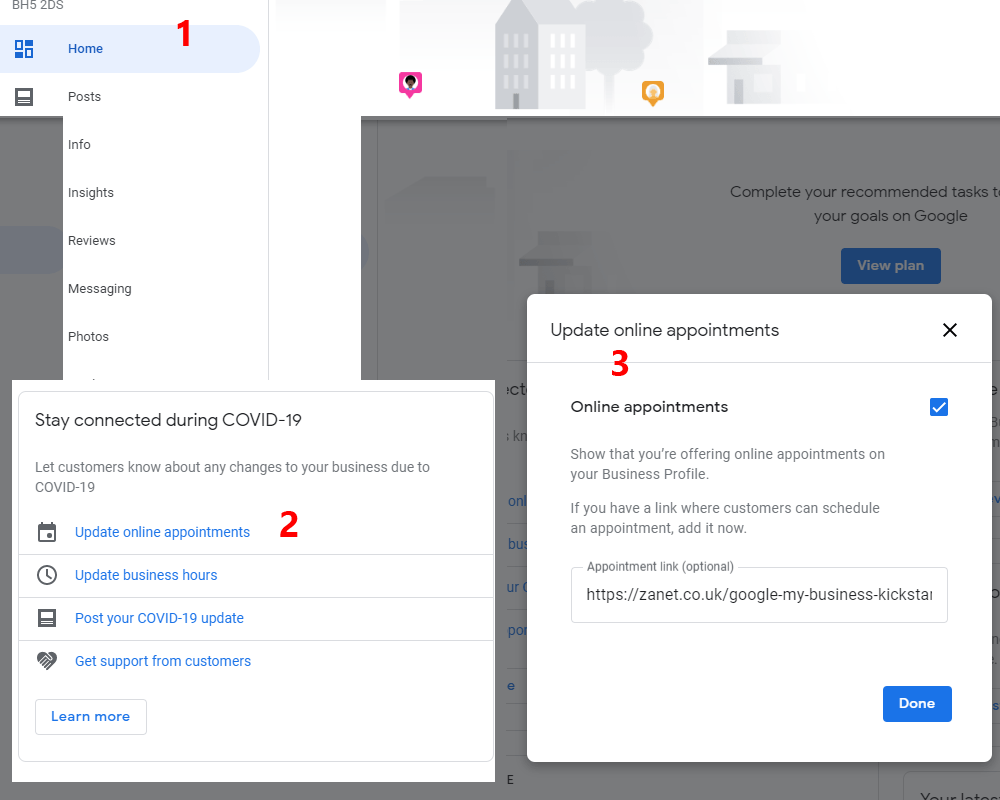
The new feature is found on your dashboard under the other COVID-19 business suggestions. It can help you show that you’re offering online appointments on your Business Profile. This works well with calendar integration on a landing page. You can direct customers to follow the link where they can schedule an appointment with you.
More Hours also came to town last week and gave a large number of new choices. These hours act independently of your opening hours. So you may want to check this feature out while you’re in the dashboard.
The options I was given under More Hours were:
Access, Brunch, Delivery, Drive Through, Happy Hours, Kitchen, Pickup, Senior Hours, Takeout

What features have you been offered on “More Hours” within your GMB dashboard? You can access it under the “info” section. Let me know in the comments below.
In Conclusion
I am based in the Bournemouth, Poole and Christchurch area. If you need an experienced professional to manage your website, get in touch. I can help your small business grow. We can take a look at some great solutions together. So contact me with your requirements. Let me know what is needed on my contact page