


This article will help you locate where the YouTube embed code is. Better still we will show you how to make it mobile-friendly.
Since writing this article. It has proven to be a very popular page. So I’ve now made a video to show you how I embed YouTube videos into WordPress and also make it responsive. The CSS code is at the bottom of this article, so feel free to cut and paste it and use it on your website.
Video on How To Embed YouTube Video into WordPress
Please note there are two stages to the process if you want the YouTube video to look great on all devices.
Stage 1. How you can embed a YouTube video.
Stage 2. How to make it fully responsive so that it works on mobile devices and fills the screen. Please note for some reason YouTube (who is owned by Google doesn’t provide you with responsive code)
So let’s take the first issue at hand, where is the embed code for your YouTube video found? Once we have found it we will then make it responsive for mobiles.
Firstly find a YouTube video you want to embed. So in our screenshot below you can see I have found this video. Under the video click the share button – highlighted below

Now rather than share the YouTube video, you want to get the embed code. So click the embed button – highlighted below

That’s it, you have found the embed code for YouTube videos. Now you just need to press copy and paste it into your HTML or WordPress page.

But you will now find another issue which I will now address. Making the YouTube code responsive.
YouTube embed code responsive issue
You may have discovered the responsive video issue using Vimeo or YouTube video. You will find that when you embed the provided code in your HTML or WordPress website that the video isn’t fully responsive. You will know the importance of making your website mobile-friendly (if you don’t, you need to read my insightful Is your website mobile friendly article). So you understand the importance of using code that is responsive. Responsive code means it changes or responds according to the browser width and device.
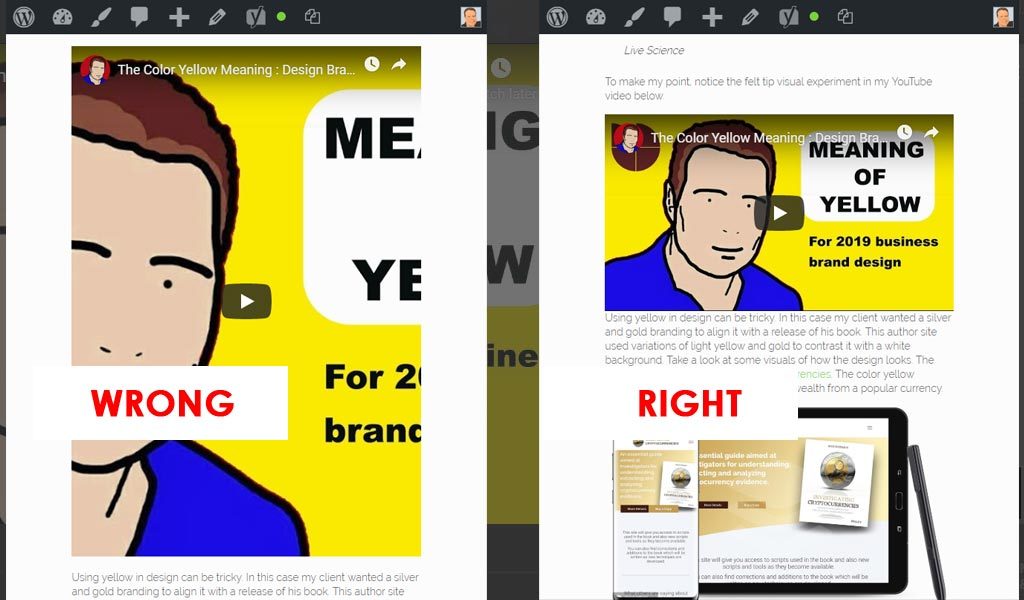
Making YouTube responsive
This section of the article explains how to take the embed code from above; add it to WordPress with a CSS trick to make the YouTube thumbnail and video mobile-friendly code. If you are using WordPress just go to Custom HTML we are now going to paste the embed code between our own div tags – see below
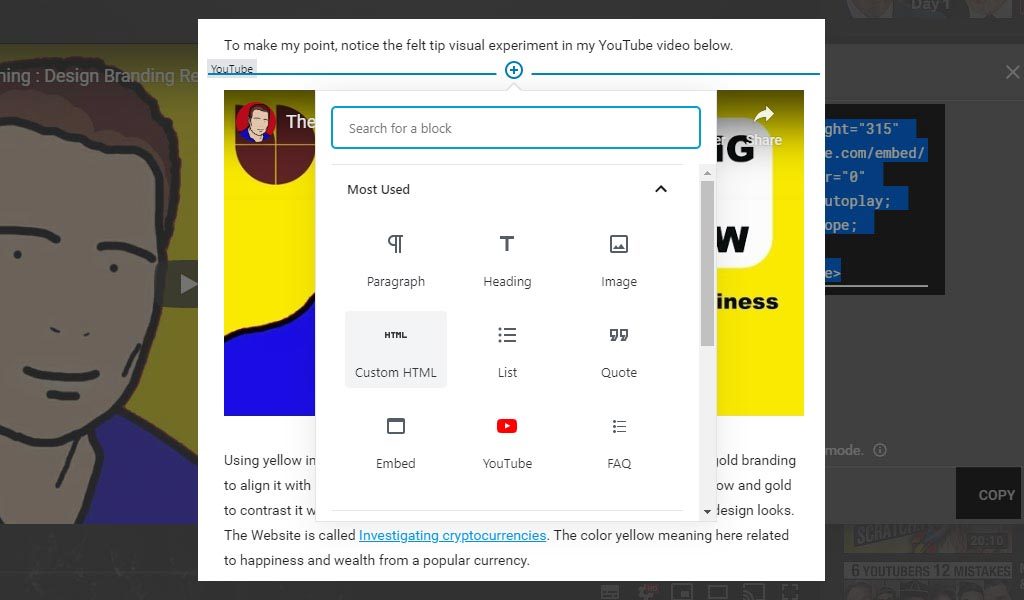
<div class="responsive-youtube">

<iframe YOUR YOUTUBE CODE></iframe>

</div>
Notice I’ve added my own opening and closing div tags and used a class called “responsive-youtube”
Finally go to your style sheet and add this css
.responsive-youtube
{overflow:hidden; padding-bottom:56.25%; position:relative; height:0;}
.responsive-youtube iframe
{left:0; top:0; height:100%; width:100%; position:absolute;}
That’s it. You now know where to find your embed code and you have the extra CSS to make it a truly responsive and ready for your mobile-friendly website.