


How can I Help a Small Business Grow with Google and GMB? (9 Tips in 9 Minutes)
Unprecedented times your small business has just gone through. Hopefully it’s just about survived. Retailers are faced with many tough decisions to make. So today videos will help you keep afloat, improve and even get ahead so you improve your chances of small business survival.
Have you corrected your business hours yet? Is your Google My Business clearly representing your current business status, open, temporarily closed, new opening hours?
These 9 tips in 9 minutes is a combination of tips for GMB (this has for a long time been my go-to tool for growing my business). Additionally, sometimes you need to look beyond just what you are used to. For many coming out of a huge business lockdown, the videos below will give you a new exciting and fresh approach for your business.
This article will take a look at the following 9 tips in 9 minutes and How to Help a Small Business Grow:
- Tip 1 Categories and new business ideas
- Tip 2 Add Gift cards and donations to help your Small Business survive if needed
- Tip 3 Buttons for quotes and bookings
- Tip 4 Add more attributes if available for your business
- Tip 5 Show your Open if you are open
- Tip 6 Add Keywords to Q and A’s
- Tip 7 Scan your business for local listings
- Tip 8 Add your social profiles to grow your small business
- Tip 9 Check how you are found from other areas
Video: How to Help a Small Business Grow with Google
Tip 1 Categories and new business ideas
Consumer behaviour is changing rapidly. Mobiles tablets and even foldable devices now dictate how websites look, work and sell products and services.
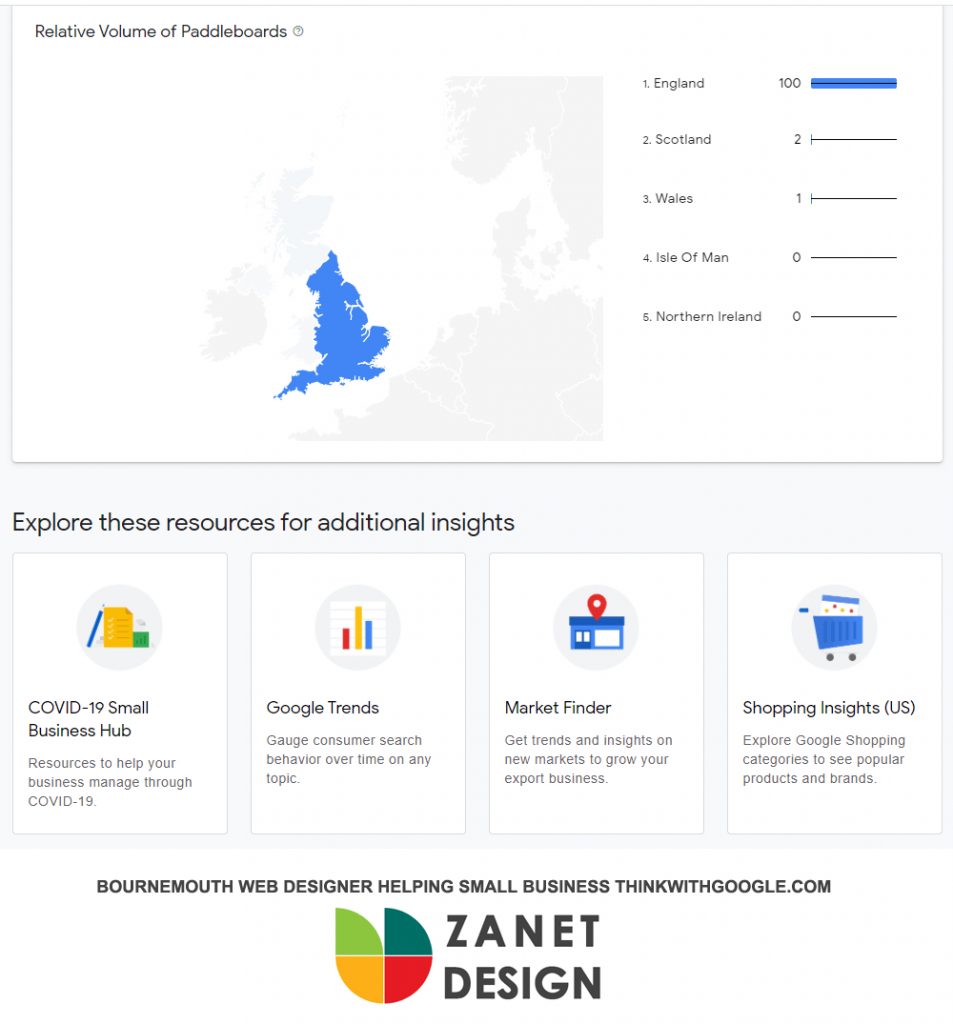
The retail industry is experiencing a widespread change in consumer behaviour. This means you now have a new opportunity to change the direction of your business. Use the rising retail categories tool to explore search interest data
https://www.thinkwithgoogle.com/feature/category-trends
Tip 2 Add Gift cards and donations to help your Small Business
One of Googles useful COVID updates was to allow you to add donations and gift cards to your business profiles. The initial rollout only offered a few countries this functionality, but this week I now see another 18 more countries including Italy, Spain and Japan are being included
Google says “We’ve partnered with PayPal and GoFundMe for donations. For gift cards, merchants can link directly to the relevant page on their website or to their gift card offerings with one of our eligible partners, which includes Square, Toast, Clover and Vagaro.”
Covid Business Recovery isn’t going to happen overnight. But Google are trying to support local businesses in various ways including the new support links.
Tip 3 Buttons for quotes and bookings
For some reason, most businesses don’t do this or have difficulty getting it to work. If you can get it up and working it will really help make it easier for businesses to connect with their customers by using a quote or enquiry button.
The only requirement is to install the Google My Business app on your registered business phone, tick a few boxes and you should be good to go.
I will take you through the whole process of showing you where the button can be found and how it works for you and your customers.
Tip 4 Add more attributes if available for your business
A new release this week will enable small business to add attributes like “online classes,” “online appointments,” or “online estimates” Make sure your attributes are up to date on your Google listing. These change rapidly and give your visitors a lot of information before they make an informed choice.

For example with a business listing of a restaurant. You can show as the business manager whether you offer Dine-in, Takeaway, or even No-contact delivery.
Vistors and your customers can also add attributes from their perspective. Are you cheap expensive, value for money etc?
Google My Business attributes are constantly being updated and most business don’t even know what I’m talking about!
Tip 5 Show your Open if you are open
This one is going to sound a bit stupid really, but if you are open, then don’t just turn the shop sign on your window to open but let your Google My Business listing know about it too. Log in and simply mark your business as open, update the hours and off you go.
Of course, it’s just the reverse of the video that showed you what to do if your business was temporarily closed
How to update Google My Business temporarily closed
Tip 6 Add Keywords to Q and A’s
Q and A are back after disappearing for a few months. But they are the perfect hotbed to grow your authority with relevant keywords. If you want to understand more about keywords and how they can work for your business then watch this video below. It covers in there how to add keywords in question and answers.
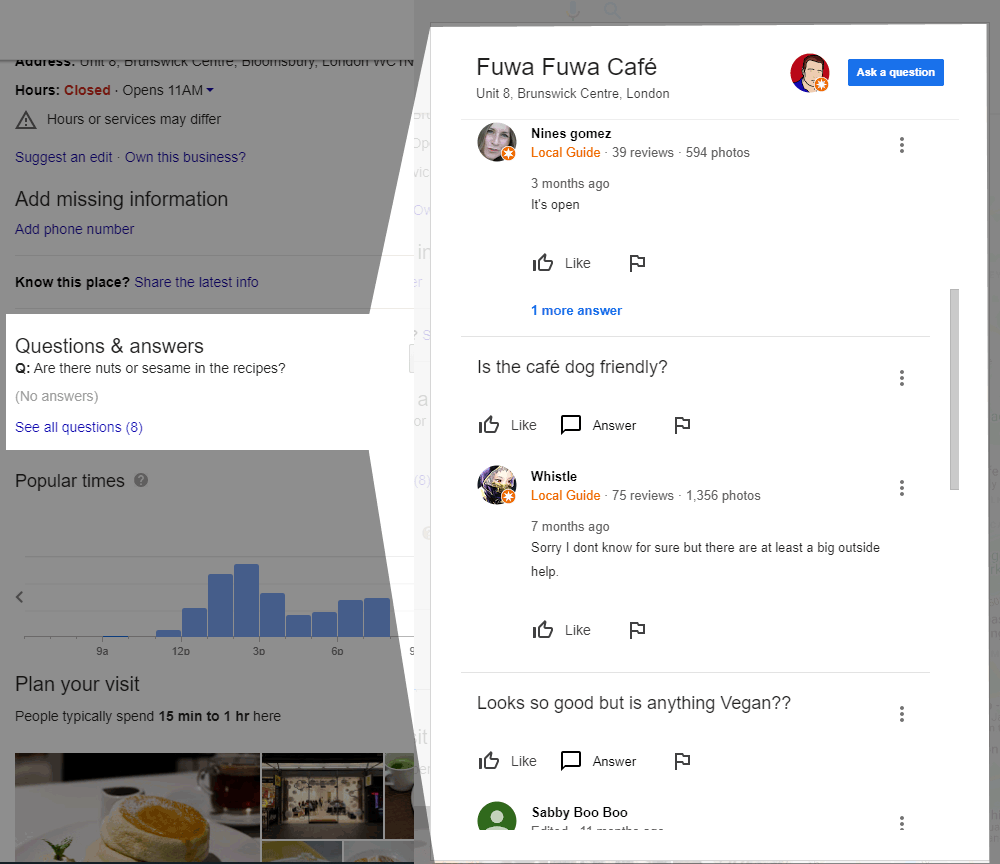
Many business owners have no idea how to locate the correct keywords for Q and A’s
Tip 7 Scan your business for local listings
Check you have a good healthy listing in your local directories With the free scanner.
The scanner checks your local marketing, business listings, and online reputation.
Trusted by 1,000s of marketers. Built by local search experts.
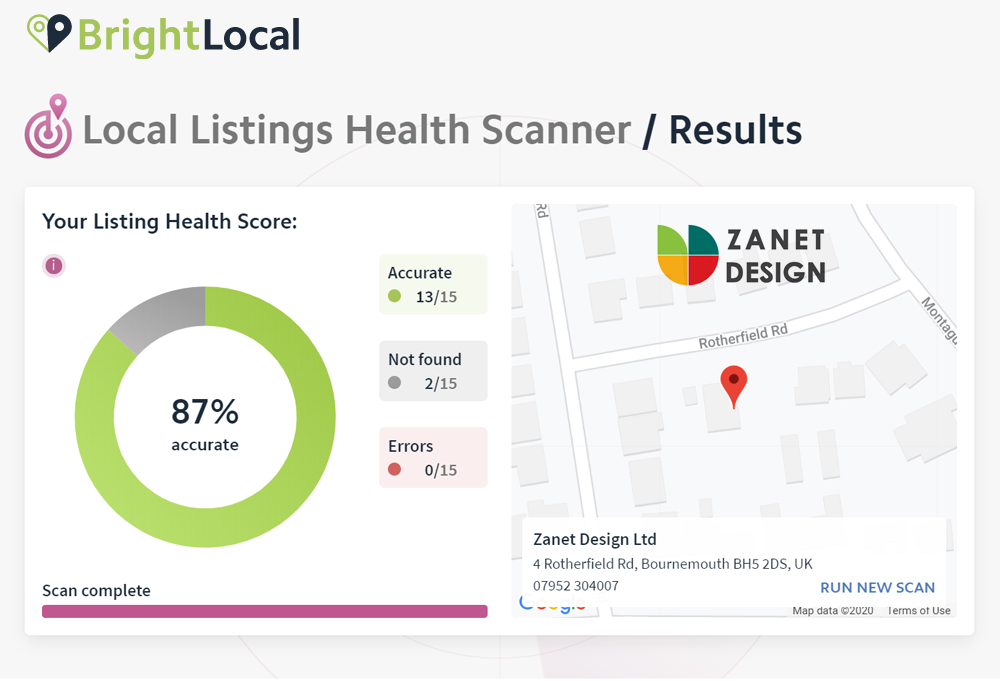
GET A FREE DIRECTORY SCAN at Bright Local: https://shrsl.com/2b1lf
SEO for Google My Business
Tip 8 Add your social profiles to grow your small business
Add your profile social icons. You cant control this from within the dashboard. It’s a bit of a gift from Google. 2 things are needed to get Google to show your social icons
1 Consistency. – Use the same name to represent your business in both your listing and your social profiles.
2 Authenticity. – verify your profile through the 3rd party social media software
A question often asked but never answered…until now
Tip 9 Check how you are found from other areas
You can now see where you rank from anywhere in the world with this useful free tool. This means you can start to see if your efforts are having the desired results for your potential clients and customers out there.
By simply adding the area, country and search term, you can now see Google search results from any location on this link http://shrsl.com/2b1m5
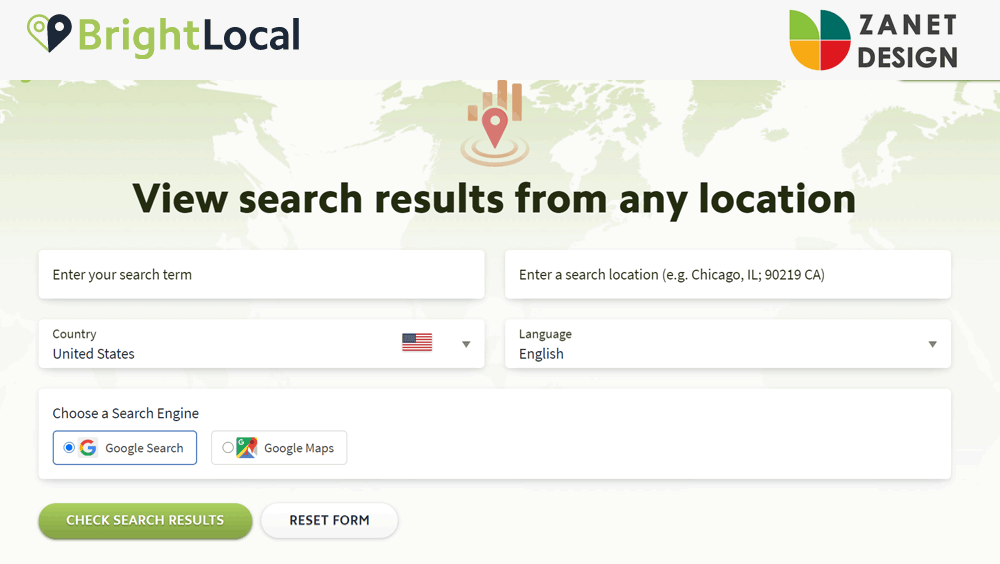
Just imagine if you could perform a Google search and see the localized results in real-time, from any location. Good news: Local Search Results Checker does just that! Quickly and easily view Google or Google Maps search results, from any town or city, worldwide.
So in my example, I searched for a Southbourne web designer as if I was in New York. I was pleased with the result!
Conclusion
The article and family of videos above were produced to help you find How to grow a Small Business with Google. This is a video subject I’ve wanted to put together for a while. It’s based on some of the feedback and common areas many businesses are not addressing or fail to think about as they build their business after lockdown.
So hopefully you have found those 9 Tips in 9 Minutes useful. Each tip has an overview and then provides a link to a tutorial video of to the online tool. Everything is free and extremely easy to follow. But if you did get stuck, or found a mistake, then do let me know in the comments below and I will do my best to get back to you.
What Next?
Do you need an experienced professional to manage your website and help your small business grow on the web?
Give me a message on my contact page and we can take a look at some great solutions together.