


Web tools are designed for improved business success. Is your business ready for 21 tools to improve your efficiency?
My collection of web tools for small business success are by no means a fully completed list. An exhaustive list is impossible as it’s forever changing.
Today I’m looking at the web tools I regularly use to help my clients improve there online businesses. I wanted to share with you the tools I view as valuable to me. So with 21 tools to choose from, I hope if they have value to me today, they will certainly be worthy of your trial or testing. Hopefully you will discover several web tools you aren’t already used for your small business.
My list of web tools are designed for improving your business success. Is your business ready for these awesome tools?
Zanet Design Ltd
The fact is, that 20 years in this industry and surviving it, requires constant effort to keep up with current changes. Nothing changes quicker than the web design industry. So you can now empathise with the fact that this list of tools is constantly changing. It also explains why i value these tools that I’ve collected since 1999. Over those years I’ve built up a set of Irreplaceable web tools for small business. Most tools will help you build a better online presence and improve your web design to a new improved level.
21 Tools For Small Business Owners to benefit your business this year.
If you skilfully use these tools, it will help you grow your online business. So I thought it would be useful to reveal some of my favourites to help you succeed.
Video Tutorial
Looking for the best Chrome extensions, Analytical Tools for traffic improvement, WordPress plugins to take your business to the next level? Then make sure you you don’t forget to subscribe for more web design tips : http://bit.ly/zanetsub
Having the right set of tools for the job is half the battle. Some of these tools took me months of searching. so I’m pleased to fast track the value I’ve found in them by sharing them with you in this video.
Here are the main 8 areas I’m going to break my web tools into for the benefit of your business.
- Tools for your Website
- Making your news or blogging section work
- Taking advantage of Tools to enhance Google My Business local listing
- The Browser for small business success
- The importance of YouTube video channel
- Where to find tools that optimise images
- Which email client works best for small business
- How small business can use a great invoicing tool

500% of time is saved by having the tight tools for your business.
Zanet Design Ltd
Tools for your Website
1. WordPress CMS
WordPress needs very little introduction these days as you have either used it or aware that most other businesses use it. Although it started life out as a blogging platform. With the amount of support for small business through free themes and plugins you would be a fool to ignore it.
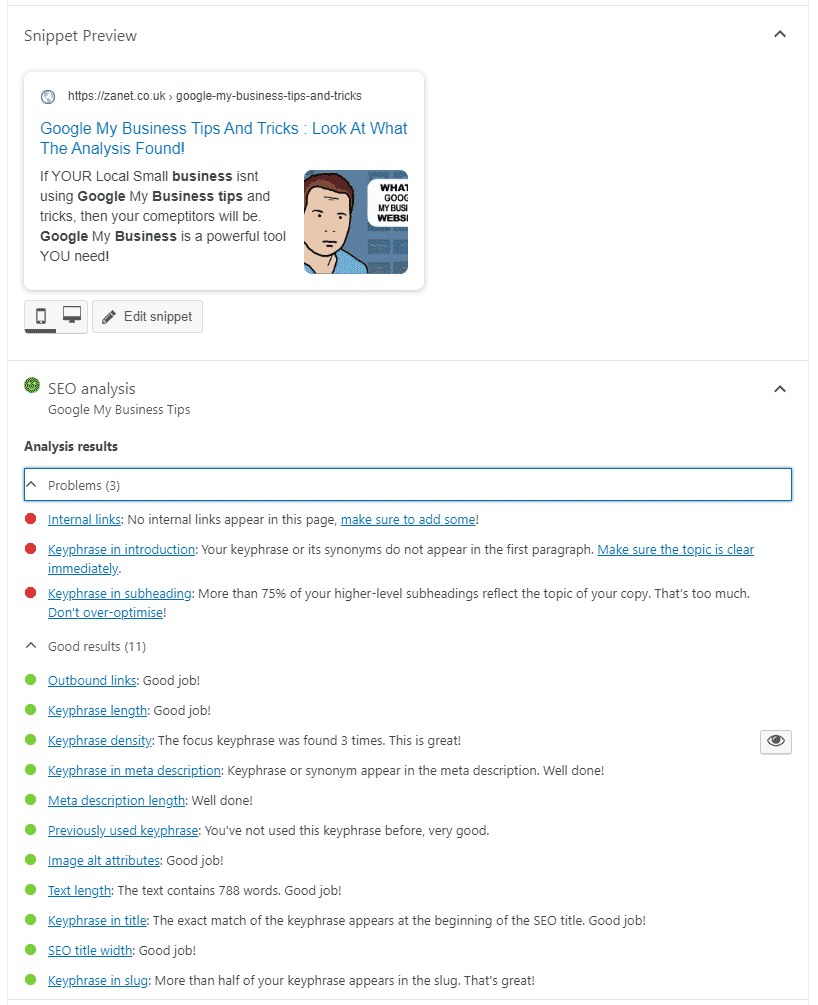
2. Yoast plugin for SEO green lights
Yoast plugin is the ideal companion if you want to optimise your page or post for search engines and your using the WordPress CMS. The for SEO green lights. You can access the Yoast plugin tool for WordPress on https://yoast.com/
3. Site kit by Google
You can see the advantages of the Google site kit wordpress plugin and how to set it up on this excellent article link above.
Site Kit is still just out of beta, yet it’s worth installing if you want your business website to understand where the organic traffic is coming from.

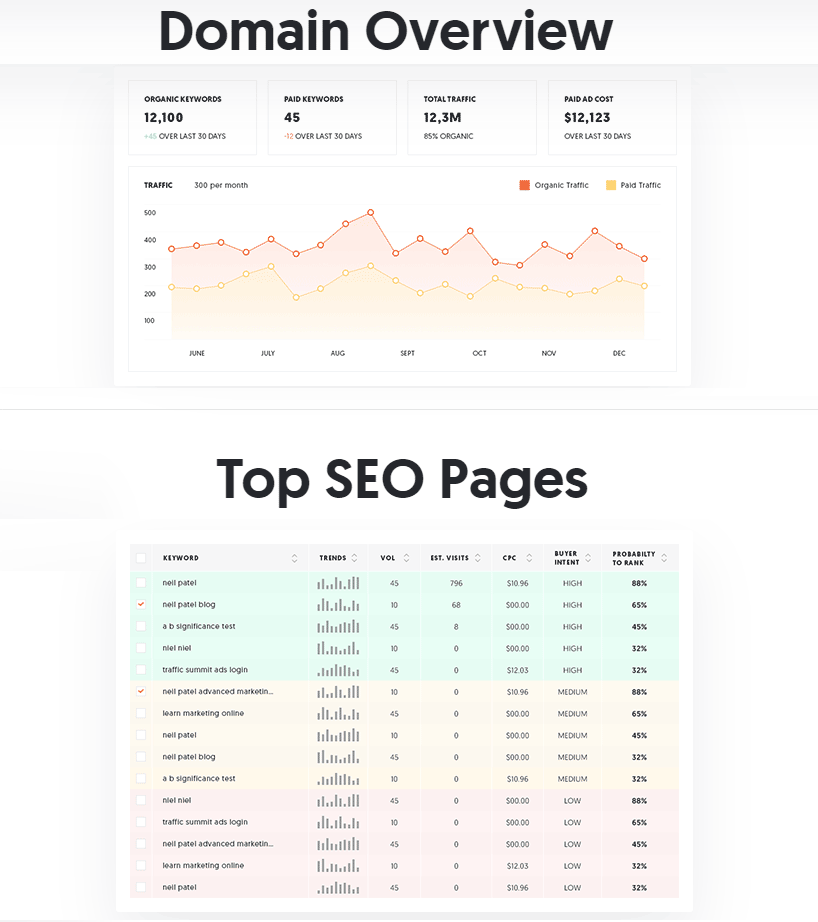
4. Ubersuggest for keywords
One of my favourite keyword tools is from the great Neil Patel. He has provided this tool at great expense to himself. So make sure you take a look at ubersuggest if you want to understand what keywords you need to compete again if you want to improve on your business competition.
Making your news or blogging section work
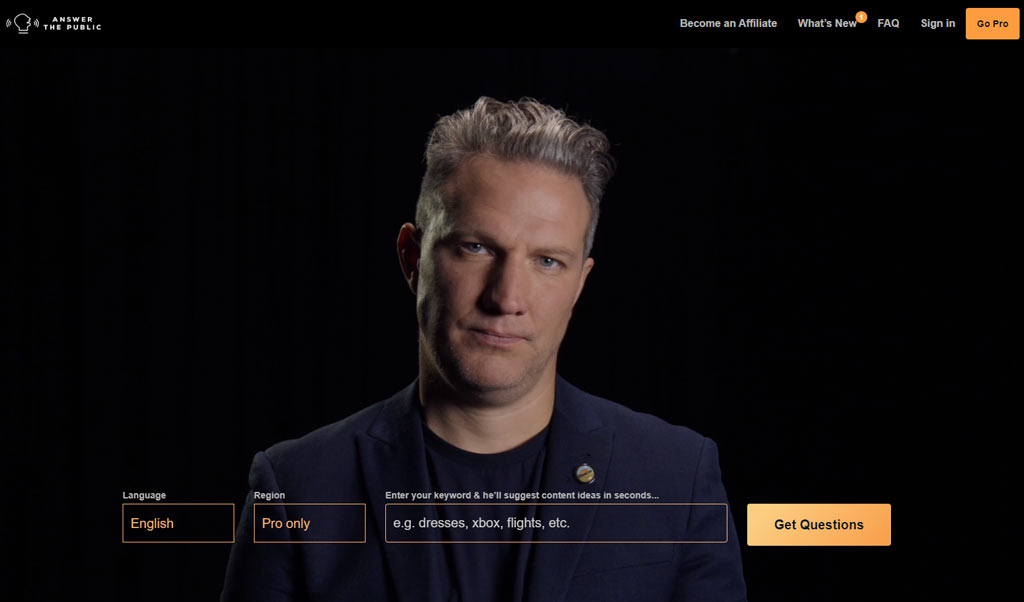
5. Answer the public for Keyword research
Keyword research is one thing. But keyword phrases and search intent is now becoming the new way to optimise web sites for traffic and small business enquiries. With voice search being the new way your visitors are searching you really need to get up to speed by following the 5 awesome tips for voice search. The article is designed to help business owners get the exact settings and setup to benefit from this limited window of opportunity. If you havent done so already then follow the tips in this guide and then come back to this page.
6. Ubersuggest for audit of website
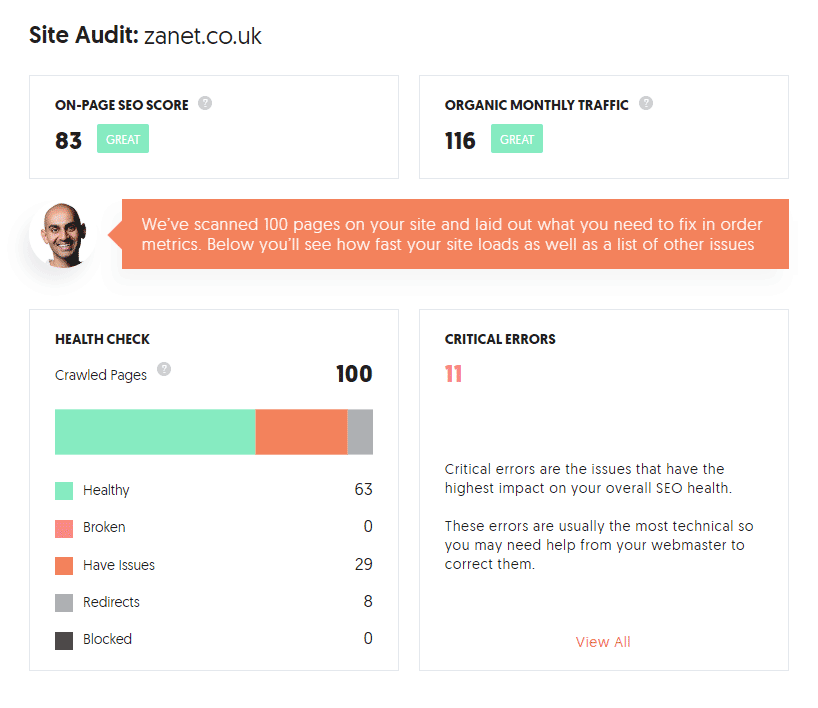
As we saw from the previous reference to Ubersuggest in point 4. It is a useful tool for keywords. Additionally it can also audit your website. So for the audit section
7. Yoast plugin for rich snippets
This is my last repeat of a tool that is going to get two mentions in this review. The only reason it gets two is both tools are very different and may not appeal to one business compared to another. The tools are serving different purposes. So where as in point 2 above we use Yoast for on page optimisation.
Yoast recently introduced a tool within the WordPress editor that enables you to add either FAQs or How-to paragraphs. But the reason this is of value is it provides all the relevant coding for Google to pick it up and show it as a rich result in its search engine. This means you can get discovered by google discover. Or you can get listed with rich snippet results. I have a video tutorial for this too on my YouTube channel.

Google My Business Map Listing
8. Claim Your Google My Business Listing
To help you get started you wont go wrong by addressing some of the points in 13 tips for and secrets for Google my Business. This guide is the perfect companion with my 21 Web Tools for Small Business Success.
For the past few years Google My Business has grown and become the must have for local businesses. Yet surprisingly in some industries few have yet to realise its Google forcing businesses to register if they want to be found for the coming decade. It’s currently free though rumours are that there will be a future point where you will be expected to pay for it. So now is the time to take advantage of the gold rush for real estate and get your business claimed and accurately entered on the map listing tool from Google.

9. Yell & Yelp for citations
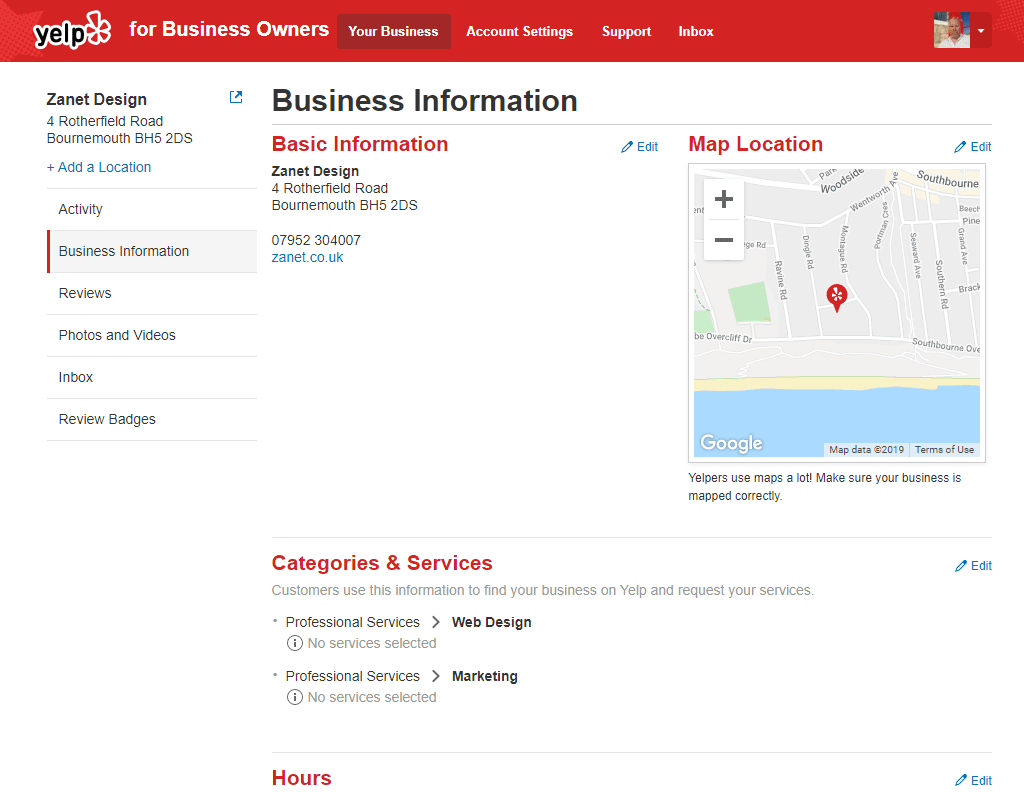
Yelp and Yell are amongst the many indexing listing platforms that will help you get discovered. Although I don’t think being listed in Yell or Yelp or any one of these listings will bring you direct traffic, what it does do, is authenticate your business in Google’s eyes. So you will find a lot of these business indexes are being given a tremendous amount of new listings to help influence other big players like Bing and Google.
Yet their is one big mistake most business make. Do you want to know what it is? Its regarding the letters NAP. If you don’t know what NAP is, or what the issue is that most business get trapped into with NAP then you must follow this article called Google my Business – NAP consistency Then come right back.
10. Img Geo for geo tagging images
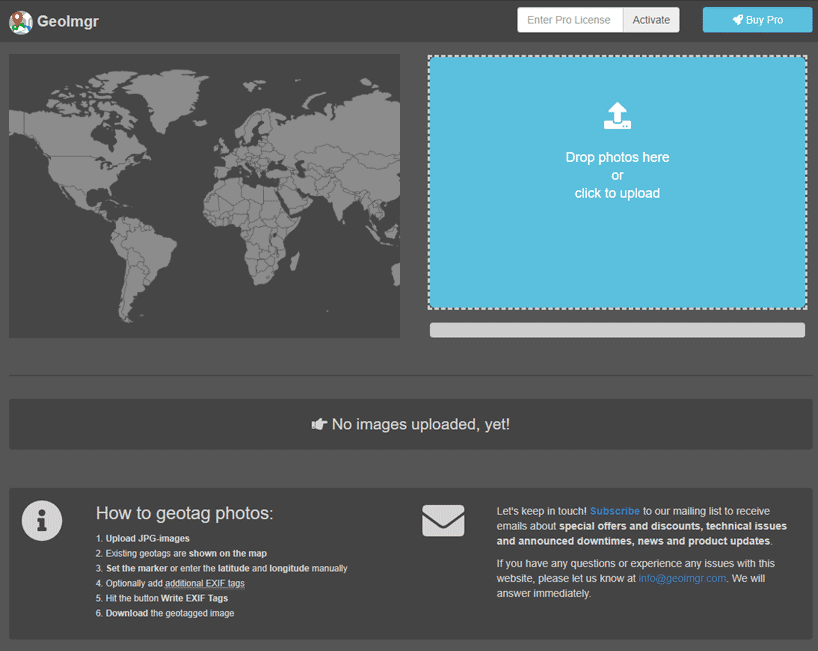
Another very useful tool for getting you seen on the Google business map with the right location is this little gem https://tool.geoimgr.com/ It will enable you to geo tag any jpegs you have. This is often automatically done with a phone or camera. But if you need to check the location of a photo, then the tool can show existing geotags on a map. Additionally you can set a marker or enter the latitude and longitude manually, then add additional EXIF tags and write them to the image before saving.
11. I Search – simulate using Google Search
Is it possible to pretend you are somewhere else in the world searching on Google to see where your business appears in business results? It sure is. Although its unlikely you will appear as local 100 miles away, its sometimes good to see how far your office can expand to in the Google My Business listings.
If you aren’t sure how to get into the main Google listing for the top business you will want to make sure you follow this local google my-business 3 pack guide. If you use I Search along with testing it with your listing in the 3 pack it proves a really useful business tool. After following my simple tutorial then use this isearch tool.
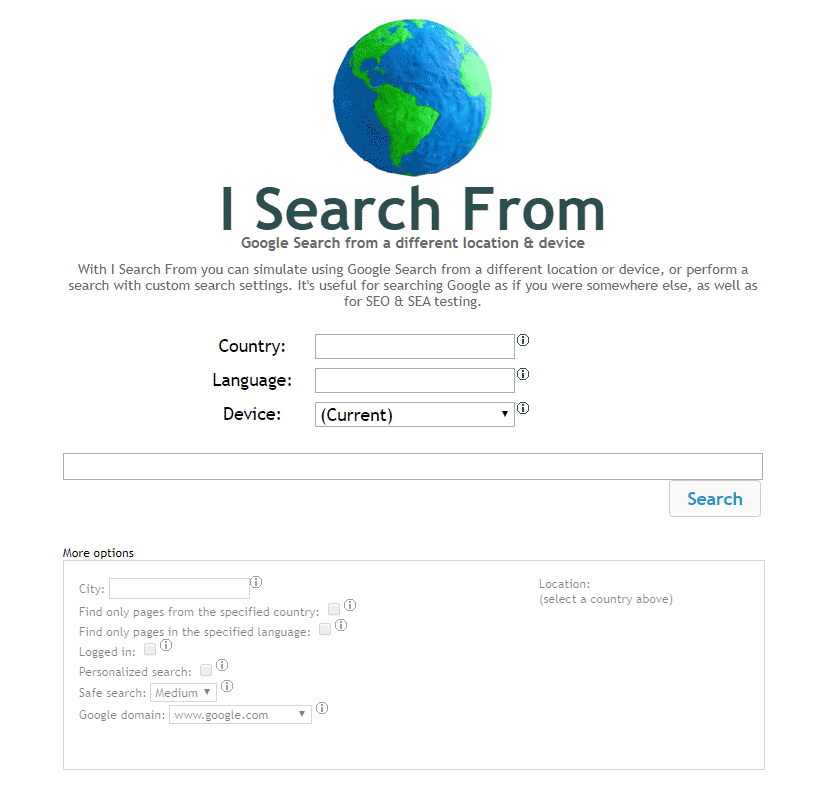
simulate using Google Search from a different location or device, or perform (video 3 pack)
Browser Web Tools for Small Business Success
12. Google Chrome (especially for code inspection)
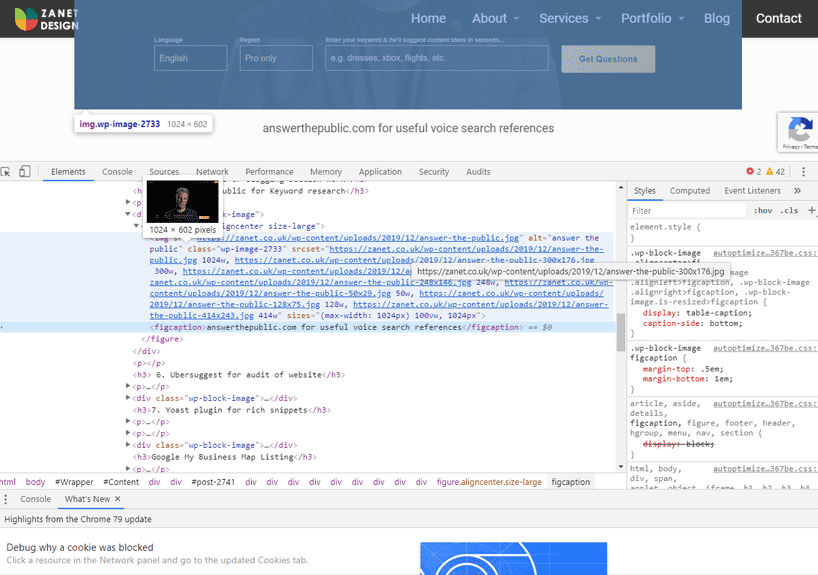
The Chrome browser is very much a similar featured browser to the ever popular with developers Mozilla Firefox. For a long time early adopters of the internet were given Netscape Navigator, Internet Explorer and even the an early version of Safari and Opera. But where Chrome really works is it has a very intuitive code inspection area and a tremendous amount of extensions that can be added to its functionality.
YouTube video channel
13. YouTube channel
YouTube is the fastest growing search engine on the planet. Most people will refuse to consider it as a search engine and view it simply as a video player. But the searching habits have changed. People want to see an answer to their question rather than read, they want to b shown. Google is no mug and thus they bought YouTube many years ago for lots of money. A great investment already. Now Google own the top 2 search engines. Namely in order, Google then YouTube. So what does this tell you if you are serious about growing your business on the web? You need both of these search tools working seamlessly together for you.
If you want to know my tip on where to find the YouTube embed code and then how to add it so it always shows correctly then take a visit to that section.
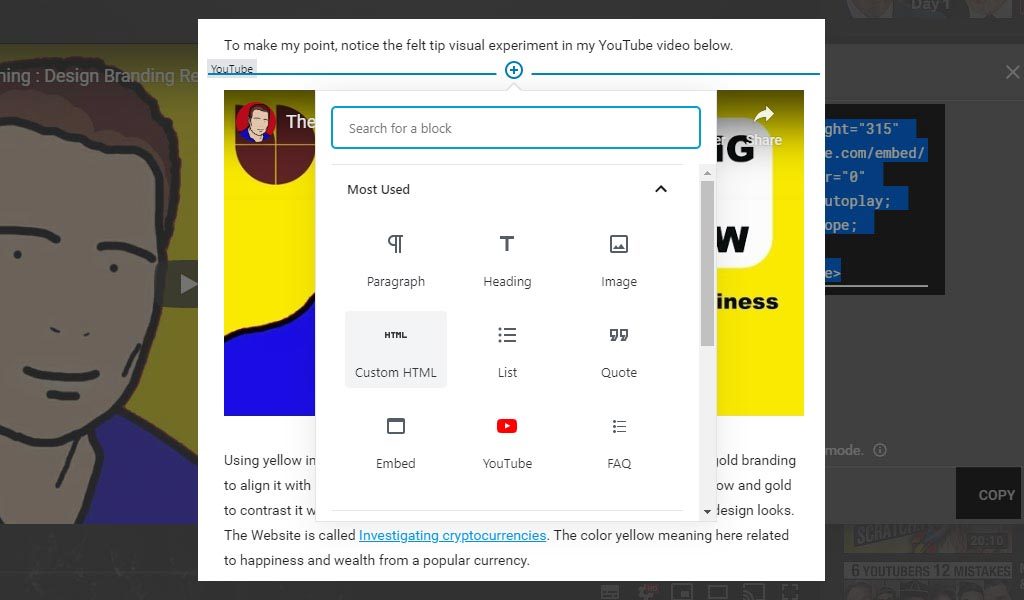
Have you noticed that most my articles on here also have a YouTube video embedded. Have you noticed that each of my Google Videos on YouTube point back to an article on my Zanet Design website. This isn’t a coincidence. This is my business leading by example. If you start doing the same yourself. You can also have an impact within the search terms and free organic traffic.
As a bonus. If you are reading this you probably have a YouTube channel or are thinking of uploading a video. One of the most asked questions Is how to delete YouTube videos. So take a look as it will help you clean up your channel ready for a cleaner experience.
14. VidIQ extension chrome
If you want to audit your YouTube account, then VidIQ will give you a deeper insight into how you can improve your focus. When you add your next video to your YouTube business channel you will get some great pointers from these guys. Well worth adding the extension purely for the free channel audit facility.
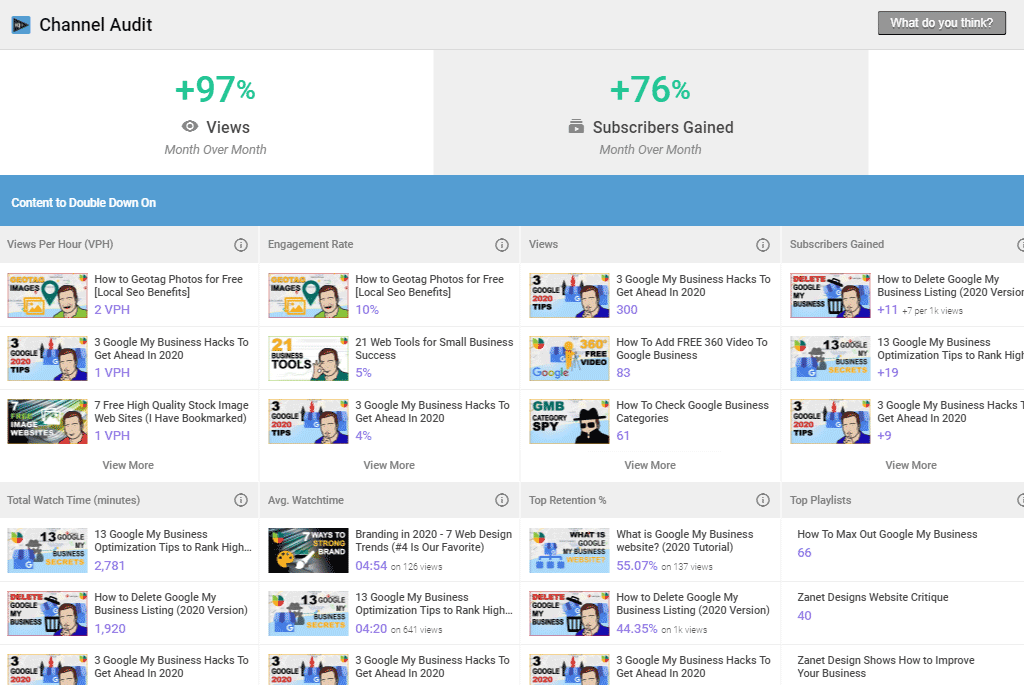
VidIQ gives you a serious amount of data to work with within YouTube. With small businesses needing video tools to grow there subscriber following, this is going to be a real necessity.
15. Tube Buddy extension chrome
Similar product to VidIQ. Many would say this is even more useful as it provides a great split testing facility for the thumbnails, description and title of your videos. If you want to know what split testing is then we will provide an article soon that will delve deeper into the reason its so beneficial for growing a business online.
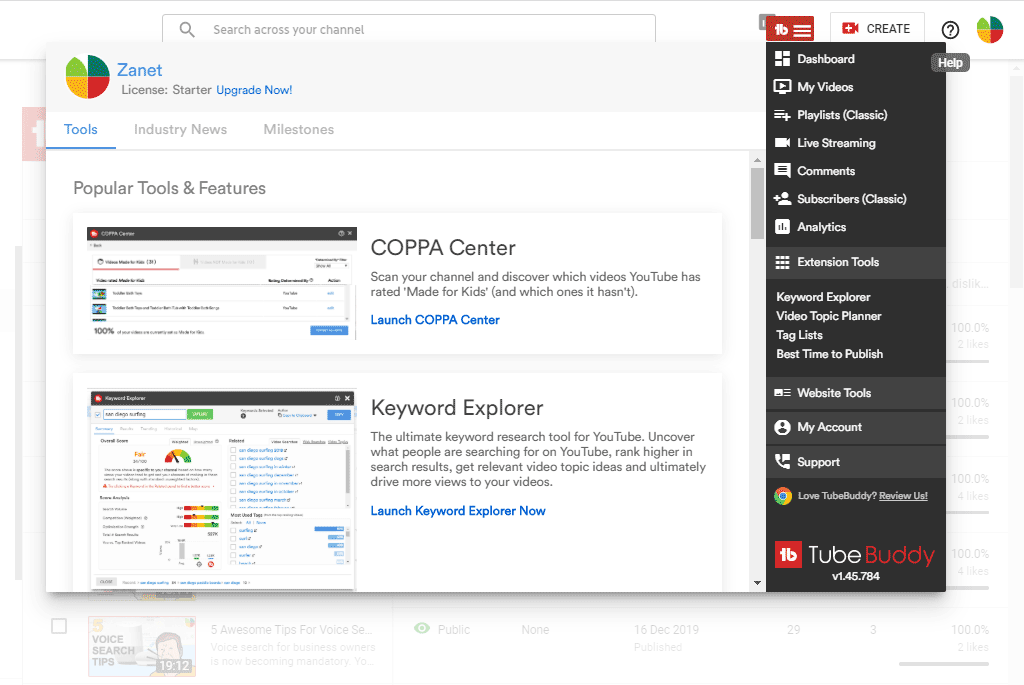
Tube Buddy isn’t everyone’s choice but certainly takes on VidIQ as a serious competitor. A bit like Apple vs Android or for older readers, VHS vs Beta max. its really down to preference. Personally I use both at all times to max out my understanding of whats best for my clients and visitors.
Image Web Tools for Small Business Success
16. Adobe Photoshop
For a long time I’ve used several really useful resources to help my customers who have a little library collection or cant afford to have a professional photographer on board. Make sure you head over to my valuable guide called free high quality stock images This is designed for small business that havent discovered how to get Royalty Free Videos and Images for free or next to nothing.
The guide is easy to follow and wil reveal my favortes including, Bigstockphoto, Istockphoto, Pixabay, Unsplash, a quirky Gratisography and one of my favourite high quality royalty free stock websites called Fotolia. Not all are free but they do offer a 7 day free trial or a credit system to make it affordable for your small business budget

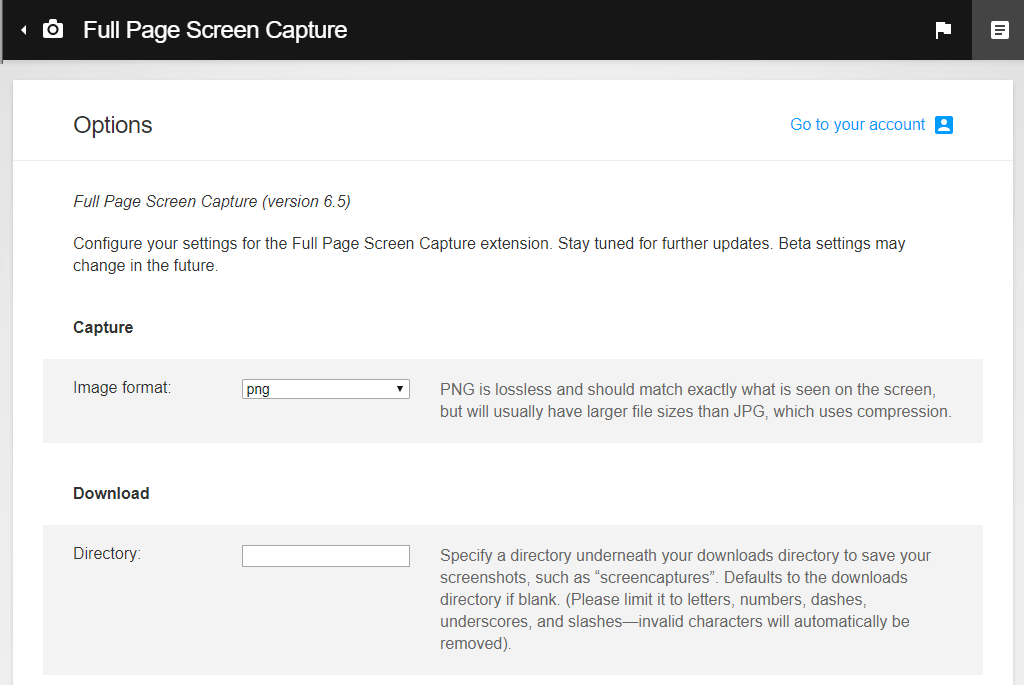
17. Full Page Screen Capture (extension chrome)
Another unknown gem that is perfect if you want to screen capture with a difference. Not only will this screen capture and enable you to save to a PNG or PDF format which means a really high definition output. Additionally it captures the whole screen of a browser page including all of the screen below the fold. (the area you have to scroll down into)
Cloud file storage
18. Google Drive for file storage
Google Drive is a simple cloud solution that will boosts collaboration in real time with features that let users assign tasks, request approvals, and track versions instantly. The Google Drive is compatible with over 100 file types, including Microsoft Office, so you can store, share, and work together on any document.
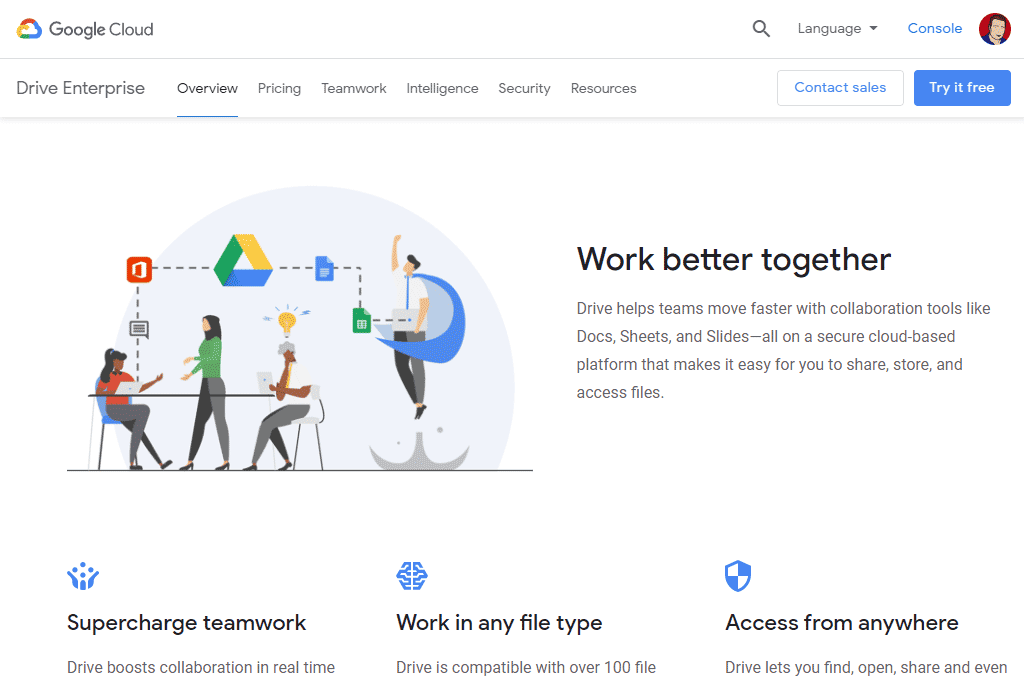
If you aren’t familiar with it and you are currently using Microsoft Office and Dropbox you may be surprised how easy this Google solution is.
Email client tools for business
19 Gmail by Google
What is often fascinating is the way so many business use Gmail as the front end to run there business. It’s ability to allow you to send and receive emails using your business domain makes it a no-brainer if you want business email addresses on the go and in the cloud.
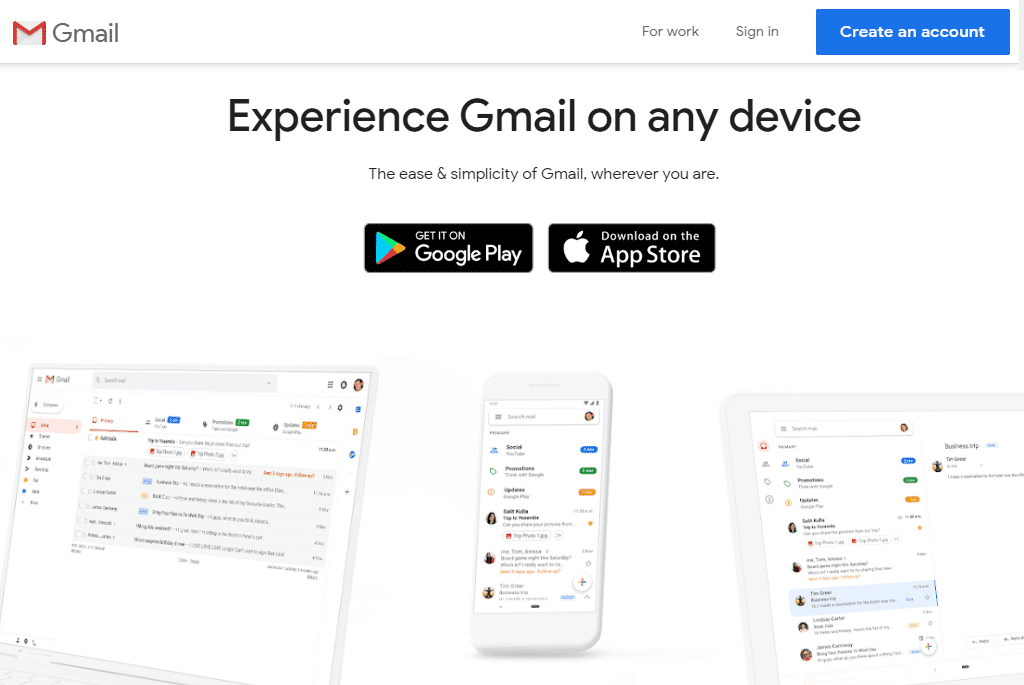
Does Gmail need any introduction? Could I run a business without Gmail? It is pretty central to my task operation and communication process. Nearly every record I have goes through Gmail at some point or other. As you will see combined with Streak it makes an essential CRM solution. Gmail is one of my well used gems. It’s regularly used to help my clients small business grow and succeed while maintain a complete audit trail and organisational structure.
20. Gmail CRM tool called Streak
Streak is an extension for Gmail that is so simple, that you will instinctively just know how to use it. Adding, editing, and collaborating is so simple you will be shocked at why its free. There are some extras that come with the paid version that are really useful. Like a magic filter, and greater scope on sorting and grouping your data.
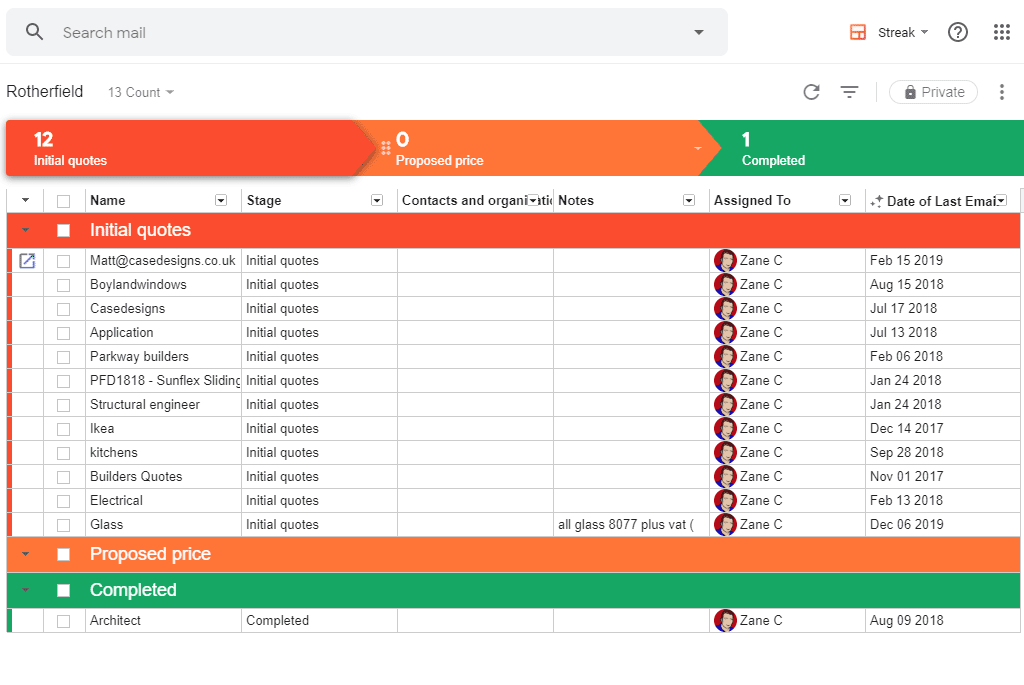
But with a few pipelines added you will wonder how you ever ran your business without it. A CRM is essential if you want to know about upcoming tasks across all your services.
Invoicing Software Tools
21. Clear Books Accounting Tool
Choosing an accounting tool is always tricky as its not something you want to change or get wrong too many times. I’ve tried two tools for my business over the years.
Clear Books has been specifically designed for Small Businesses. It’s packed with time-saving features, including invoicing, automatic bank feeds, and financial reporting, Clear Books is geared up to help small businesses work even smarter.
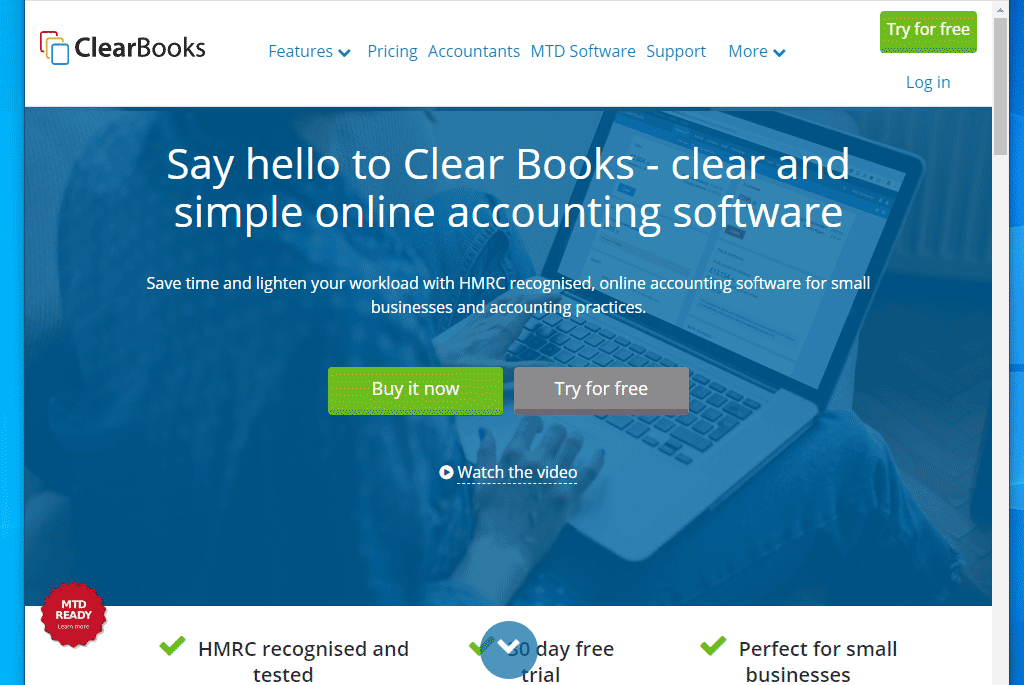
For a limited budget Clear Books is great value. For a little bit more Xero works a little more smoother and I would rate even higher, but it is a little extra each month.
Conclusion
The selection of my 21 tools covered above is similar to the way a carpenter, builder or plumber has a bag of well used tools. By opening it up and showing you how I use them, I really hope its inspired you to try a few new skills out on your business.
If you are a Small Business Owners, then I’m also keen to know what your Top Web Tools are. How do you choose the best tools for your small business? Are there some web tools that can power small business success that I’ve totally missed?
This article was written for you, as I thought it would be useful to reveal 21 of my favourite Web Tools for Small Business Success. For those of you who need a web designer in the Bournemouth, Christchurch or Poole area, then I’m currently available to do this for you. Or if you need to apply some of the things in this article of voice search for business owners or just have a question then contact me directly via my contact page for more help. Or feel free to comment below and I will do my best to answer your questions.